
Back to Products 
Android Offline Voice Input
VoxSwift
Offline voice input for Android. Speak from a floating button, then insert the result into other apps. Choose Global, East Asia or Europe recognition coverage.
About VoxSwift
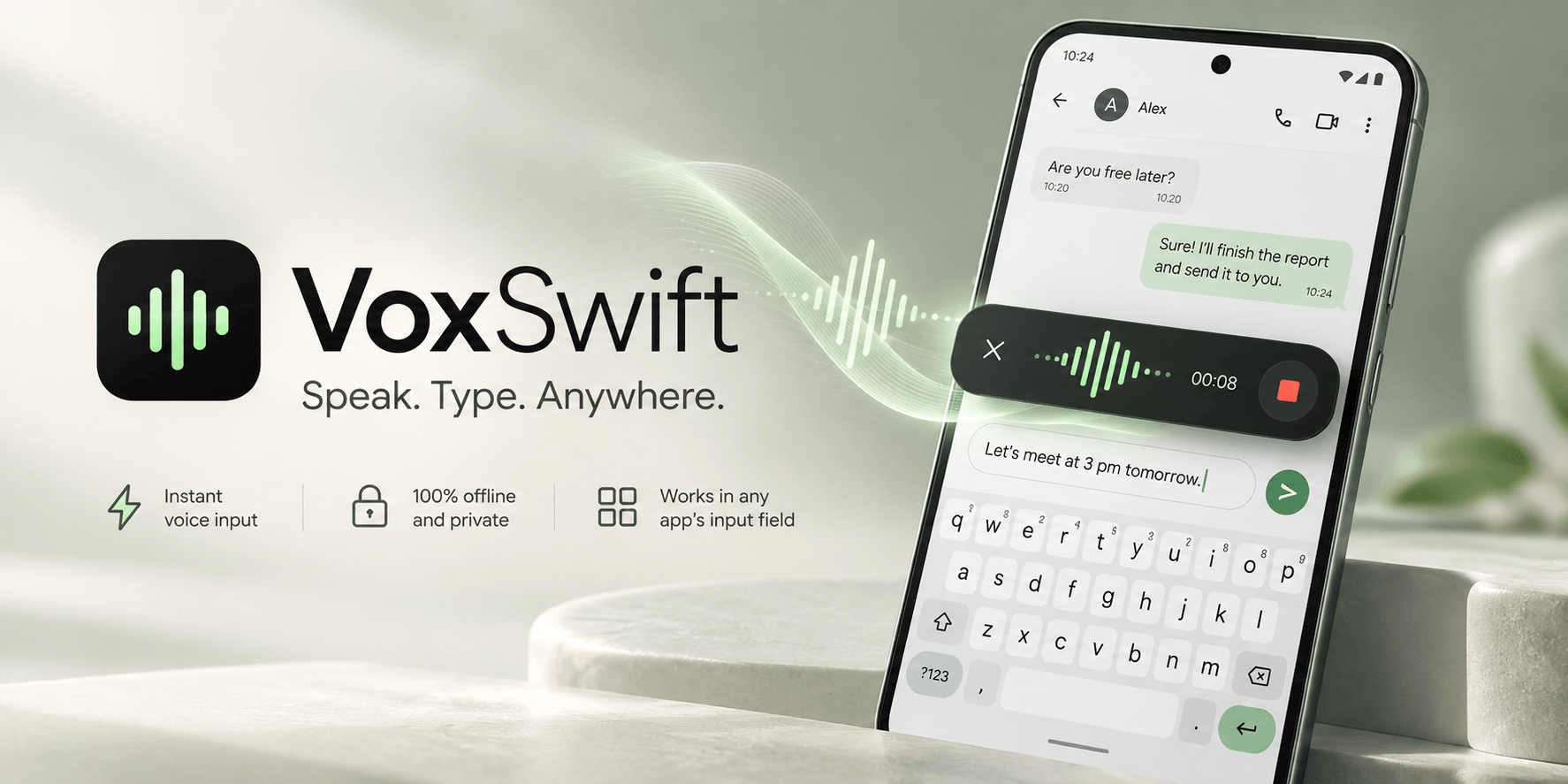
VoxSwift turns your voice into text on your Android phone. Open a chat, note or browser, tap the floating button, speak, and stop to transcribe. With accessibility access enabled, VoxSwift inserts the result into the focused text field. If insertion is unavailable, the result is kept in the app and can be copied.
Key Features
- Floating voice input: Keep a movable voice button within reach while using other apps. Finish with the stop button or cancel the current recording with the × button.
- On-device recognition: Download your chosen recognition coverage once, then transcribe without a cloud speech service. Audio is processed on your phone.
- Global, East Asia and Europe: Choose and manage downloads to suit your languages. East Asia covers Chinese, Cantonese, English, Japanese and Korean; Europe covers 25 European languages; Global offers broader multilingual coverage. Available recognition languages depend on your selection.
- Your language, your choice: The interface follows the system language across 60 supported languages. Select the recognition language separately, with automatic detection where supported.
- Guided setup and practice: Step-by-step help for the floating button, accessibility and background settings, plus an input practice area and up to 50 recent recognition results.
- Local controls: Delete individual results, clear recognition history, or remove unused recognition downloads in Settings.
Privacy & Security
VoxSwift is designed around on-device voice input. Read our complete VoxSwift Privacy Policy to learn more.